
Top 5 Android Controllers You Need to Try Today
Upload time :December 21, 2023
Shares
Reads
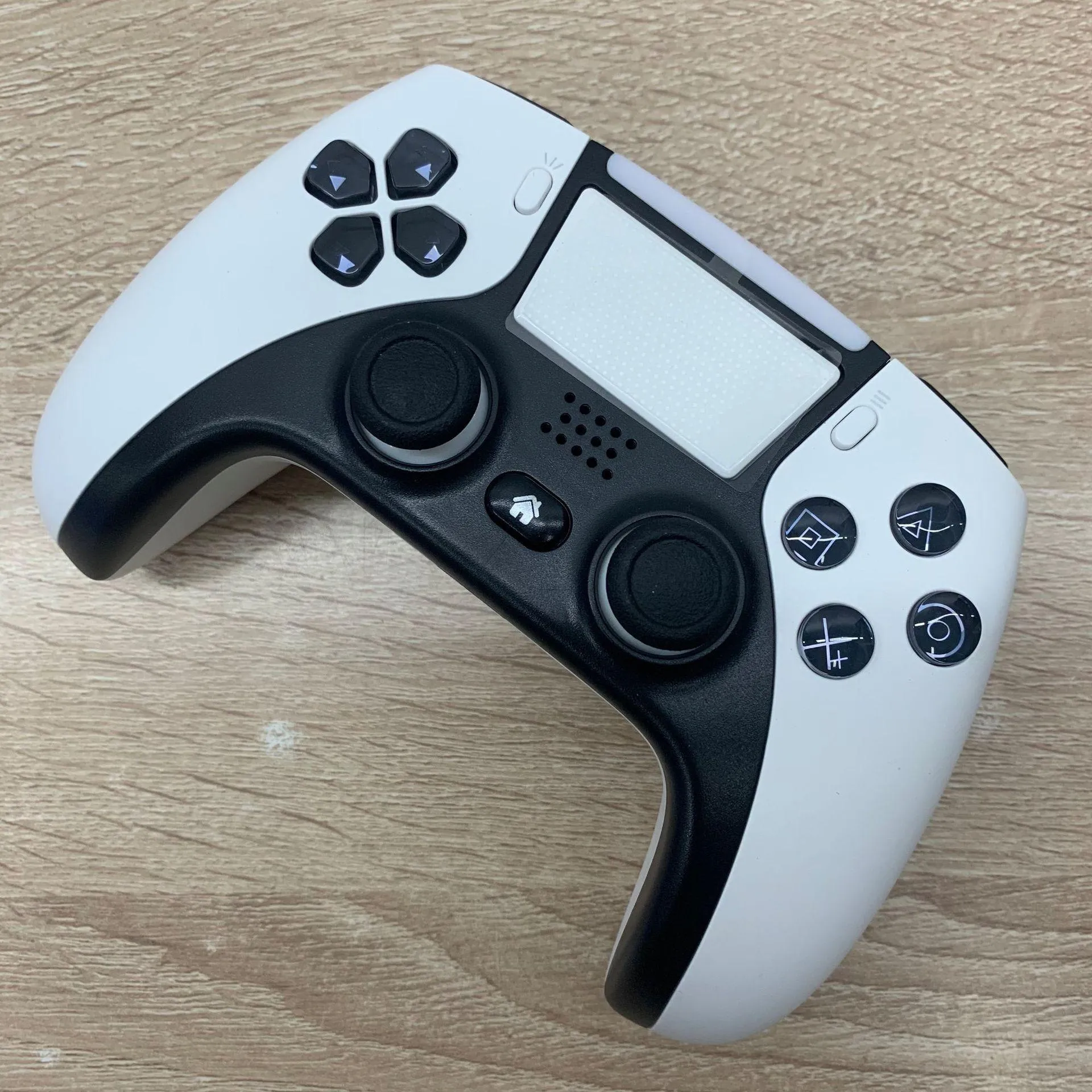
If you're a gamer looking to enhance your mobile gaming experience, selecting the right Android controller can make all the difference. To help you with this, we have compiled a list of the top 5 Android controllers based on criteria such as compatibility, ease of use, button layout, and price. The Xbox Wireless Controller, Razer Kishi, and SteelSeries Stratus Duo are just some of the chosen controllers that we have included in our list, each with their own unique set of features, pros, and cons. We have also created a comparison chart to highlight the differences between these controllers, covering categories like compatibility, connectivity, battery life, and price. With this information, you can make an informed decision and choose the best Android controller for your needs.
Criteria for Selection
Compatibility
The first factor that needs to be considered when selecting an Android controller is its compatibility with different devices. A good controller should be compatible with a wide range of devices, including smartphones, tablets, and even televisions. Additionally, it is crucial to ensure that the controller is compatible with various versions of the Android operating system. This is essential because not all Android controllers support all versions of the OS, which can lead to limitations and restrictions.
Ease of Use
The second factor that needs to be considered is the ease of use. A good Android controller should have an intuitive design, making it easy to pick up and navigate. The buttons should be responsive, and the joystick should be accurate, providing seamless gameplay without any lag or delays. Moreover, the controller should have a comfortable grip and ergonomic design so that players can play for extended periods without experiencing any discomfort.
Button Layout
The third factor that deserves consideration is the button layout. A good Android controller should have a well-placed button layout that is easy to understand and navigate. These buttons should be arranged in such a way that they provide quick access to all the necessary functions without requiring players to fumble around. Additionally, the controller should have customizable buttons so that players can map them according to their preferences.
Price
Finally, the price is another critical factor that needs to be taken into account when selecting an Android controller. A good controller should be reasonably priced, offering value for money while still delivering high-quality performance. It is important to note that just because a controller is expensive doesn't mean it's necessarily the best one on the market. Instead, it's about finding the sweet spot between quality, features, and cost.
Top 5 Android Controllers
1. Xbox Wireless Controller
The Xbox Wireless Controller is a popular choice among Android gamers due to its enhanced compatibility with Microsoft’s xCloud game streaming service. The controller is ergonomically designed with a textured grip for improved comfort and control. Its Bluetooth connectivity allows seamless pairing to Android devices. Moreover, it has a dedicated share button for capturing and sharing gameplay moments. The Xbox Wireless Controller’s drawback is its price point, which is relatively high compared to other controllers.
2. Razer Kishi
The Razer Kishi is a unique controller that attaches directly to your smartphone, essentially transforming it into a portable gaming console. The controller is compatible with most Android smartphones, including Samsung, Google Pixel, and OnePlus. It features clickable analog thumbsticks and face buttons, as well as a D-pad, providing an immersive gaming experience. The Razer Kishi’s disadvantage is that it is not compatible with all mobile games.
3. SteelSeries Stratus Duo
The SteelSeries Stratus Duo is a versatile Android controller that can connect to devices via Bluetooth or 2.4GHz wireless. It has a comfortable grip, trigger buttons, and dual analog sticks with clickable buttons for improved precision and control. Additionally, the controller has a rechargeable battery that lasts up to 20 hours of playtime. Its only downside is that the D-pad may feel stiff and unresponsive at times.
4. GameSir G4 Pro
The GameSir G4 Pro is a reliable controller that offers a wide range of features at an affordable price point. It has a comfortable grip with textured rubber for added grip during extended gaming sessions. The controller also features customizable buttons and triggers, allowing users to adjust sensitivity levels for precise control. However, the controller’s software can be a bit complicated to set up initially.
5. 8Bitdo SN30 Pro+
The 8Bitdo SN30 Pro+ is a retro-inspired controller that boasts advanced features such as motion controls, vibration, and programmable buttons. It has a classic design with a bright 6-button layout and two joysticks for added functionality. Furthermore, the controller is compatible with Windows, macOS, Android, and Nintendo Switch. The only downside is that the placement of some buttons may feel uncomfortable for extended gaming sessions.
Comparison Chart
Compatibility:
The compatibility of a controller is crucial as not all controllers work with all devices. The top 5 controllers, namely SteelSeries Stratus XL, Razer Kishi, Xbox Wireless Controller, 8BitDo SN30 Pro+, and Nintendo Switch Pro Controller, are compatible with most Android devices. However, the Razer Kishi has an edge over the others as it is designed specifically for Android phones.
Connectivity:
All the controllers in our list support Bluetooth connectivity. However, the Razer Kishi and SteelSeries Stratus XL have an additional wired connection option. The Razer Kishi has a USB-C port that connects directly to the phone, whereas the SteelSeries Stratus XL has a dongle that connects to the phone’s USB port.
Battery Life:
Battery life is an essential factor when it comes to controllers. The SteelSeries Stratus XL leads the pack with a battery life of up to 40 hours. The Xbox Wireless Controller and Razer Kishi follow close behind with approximately 30 hours of battery life. On the other hand, the 8BitDo SN30 Pro+ and Nintendo Switch Pro Controller have a battery life of around 20 hours.
Price:
The price of a controller can vary depending on the brand and features. The most expensive controller in our list is the Razer Kishi, which costs around $80. The Xbox Wireless Controller and SteelSeries Stratus XL come in at approximately $60 each. The 8BitDo SN30 Pro+ and Nintendo Switch Pro Controller are the cheapest of the lot, costing around $45 and $70, respectively.
Conclusion:
Choosing the right Android controller depends on individual preferences and requirements. If you’re looking for a controller specifically designed for Android phones, the Razer Kishi is the way to go. The SteelSeries Stratus XL offers the longest battery life, making it ideal for those who game for extended periods. The Xbox Wireless Controller is perfect for Xbox gamers who want to use the same controller on their mobile device. The 8BitDo SN30 Pro+ and Nintendo Switch Pro Controller are budget-friendly options that offer decent performance.
In conclusion, the comparison chart provided above gives a comprehensive overview of the top 5 Android controllers. It is always advisable to research and compare different options before making a purchase to ensure that you get the best value for money.
Buy Now
See More: Wholesale Products
FAQ
Q1. What are the top Android controllers currently available in the market?
Answer: The top 5 Android controllers that you need to try today are the SteelSeries Stratus Duo, Xbox Wireless Controller with Bluetooth, Razer Raiju Mobile, Gamesir G4 Pro, and 8bitdo SN30 Pro+.
Q2. What features should I look for when choosing an Android controller?
Answer: When choosing an Android controller, it is important to consider its compatibility with your device, connectivity options (Bluetooth or wired), button configuration, battery life, and ergonomics for comfortable gaming sessions.
Q3. Can I use these Android controllers on other devices besides my phone or tablet?
Answer: Yes, most of these controllers are compatible with other devices such as laptops, PCs, and gaming consoles. However, it is important to check the compatibility of the controller with your device before purchasing.
Q4. Will using an Android controller enhance my gaming experience?
Answer: Absolutely! Using an Android controller can significantly improve your gaming experience by providing better control and response, eliminating touch screen controls, and allowing for longer gaming sessions without straining your fingers.
Overall, investing in a good quality Android controller is a smart choice for avid mobile gamers looking for an immersive and comfortable gaming experience.
Recommended related content
5 Innovative Designs of Shower Pipes You Need to Try Today
Top Luxury Brands for Men's Rose Gold Watches You Need to Know About
Top 5 England Hats to Add to Your Collection Today
