
Best Laptop GPU Comprehensive Guide to Buying
Upload time :November 23, 2023
Shares
Reads
When it comes to laptops, the graphics processing unit (GPU) plays a crucial role in delivering stunning visuals and smooth performance. Whether you're a gamer, a creative professional, or someone who enjoys watching high-definition videos, having a capable GPU in your laptop is essential. In this comprehensive buying guide, we will explore the key factors to consider when choosing a laptop GPU, ensuring you make an informed decision that meets your specific needs.
Understanding GPU Basics
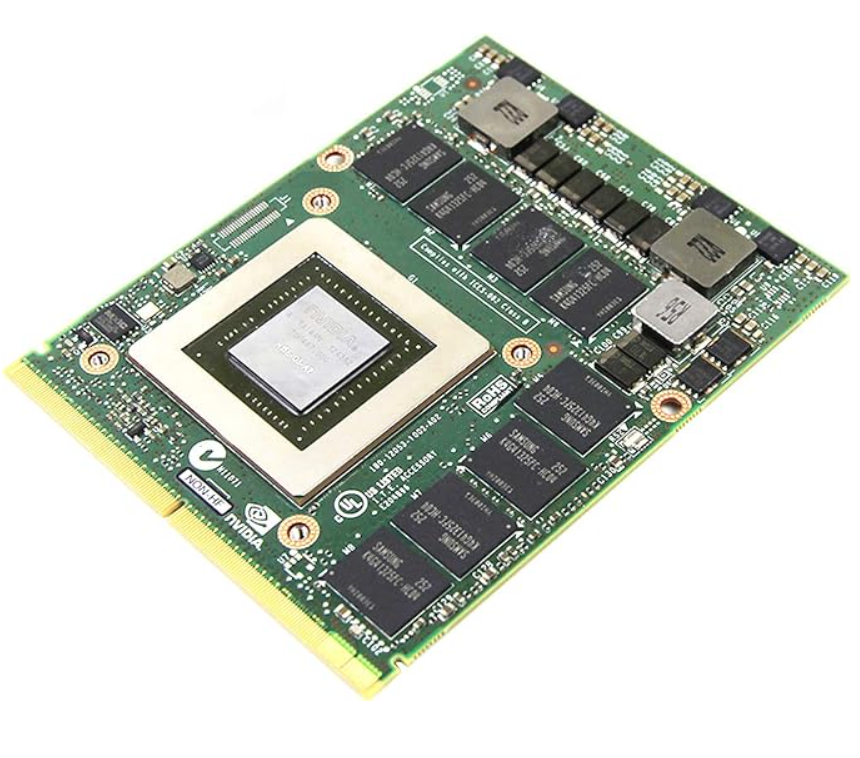
EliteBook-Workstation
1. GPU type:
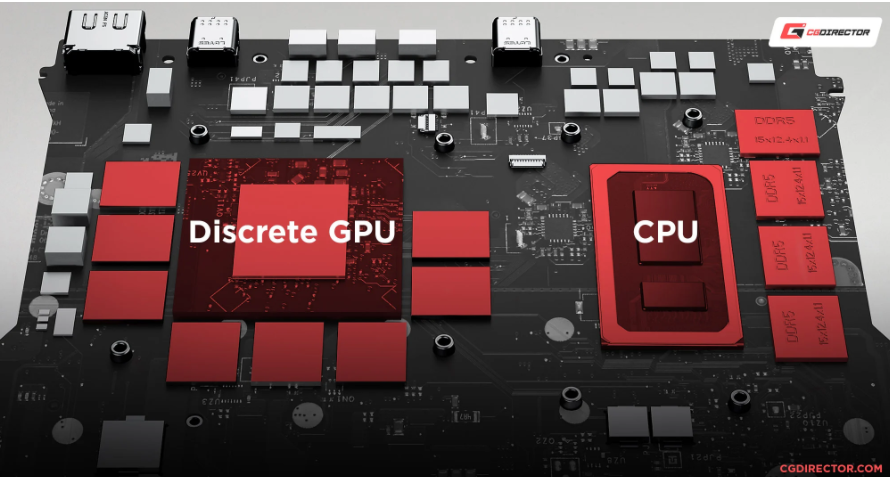
Notebook computers are usually equipped with two types of GPUs: integration and dedicated. The performance and use of these GPUs are different.
Integrated GPU: Integrated GPUs integrated into the processor of the laptop, and the system memory that is shared for graphics processing is shared. They are designed for basic graphic tasks, such as web browsing, document editors and media playback. The integrated GPU is powerful and cost -effective, but lacks harsh applications such as applications or content creation.
Dedicated GPU: On the other hand, a dedicated GPU is a separate component with its own dedicated video memory (VRAM). These GPUs are designed for high -performance tasks (such as games, 3D rendering and video editing). The dedicated GPU has excellent graphics processing capabilities and can handle complex computing and rendering tasks more effectively.
2. GPU architecture:
GPU architecture refers to the basic design and technology used to develop GPU. Different GPU architectures such as GeForce and AMD's Radeon of NVIDIA provide different levels of performance, power efficiency and function set.
NVIDIA GeForce: NVIDIA's GeForce GPU is known for its excellent gaming performance and advanced features, such as real -time ray tracking and DLSS. They are widely used in game laptops and are often divided into different series, such as GeForce GTX and RTX series. Each series provides different performance levels and functions.
AMD Radeon: AMD's Radeon GPU is also a popular choice for games and content creation. They provide competitive performance and are famous for their burdensome capabilities. Similar to NVIDIA, the AMD Radeon GPU is divided into different series, such as the Radeon RX series, each series meets different performance requirements.
When selecting the GPU architecture, consider the specific application you want to use, the compatibility of the software and the driver, and the availability of the functions that are consistent with your needs. It is important to study and relatively latest GPU architecture to find the most suitable architecture that is suitable for your needs.
By understanding the differences between integration and dedicated GPUs and familiar with various GPU architectures available, you can make a wise decision when choosing a laptop GPU that meets your specific needs.
Determining Your Usage Requirements
1. Game:
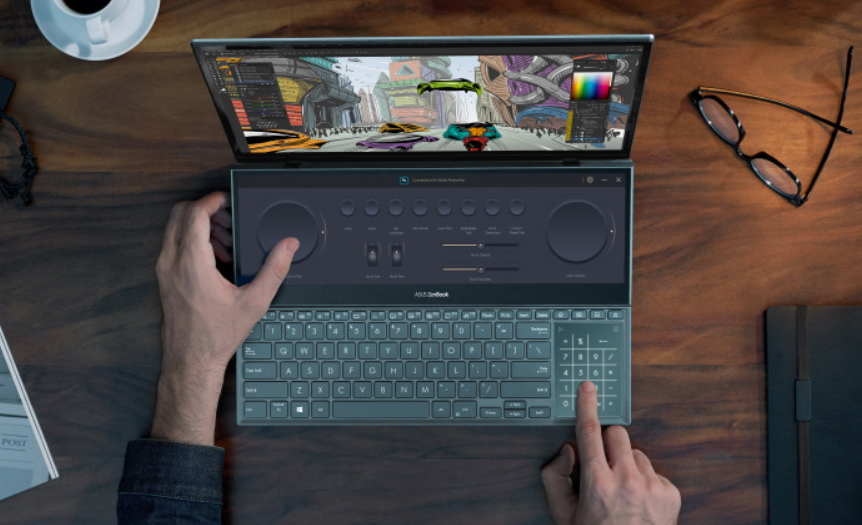
laptop-with-dedicated-graphics
If you are a gamer, the laptop GPU needs to process the latest game and provide smooth performance at the required resolution and frame rate. This is the content to be considered:
• Dedicated VRAM: Find a GPU with a dedicated video memory (VRAM) to ensure faster data access and easier gameplay. It is recommended to use a higher VRAM capacity with graphics, such as 6GB or 8GB.
• Core count: GPUs with high core counts provide better performance in the game. Find GPUs with higher CUDA cores (NVIDIA) or stream processors (AMD) to process complex graphic calculations.
• Advanced game function: Considering the GPU of Advanced game functions (such as real -time ray tracking and DLSS (deep learning super sample)). These functions enhance visual realism and improve the performance of supporting games.
2. Content creation:
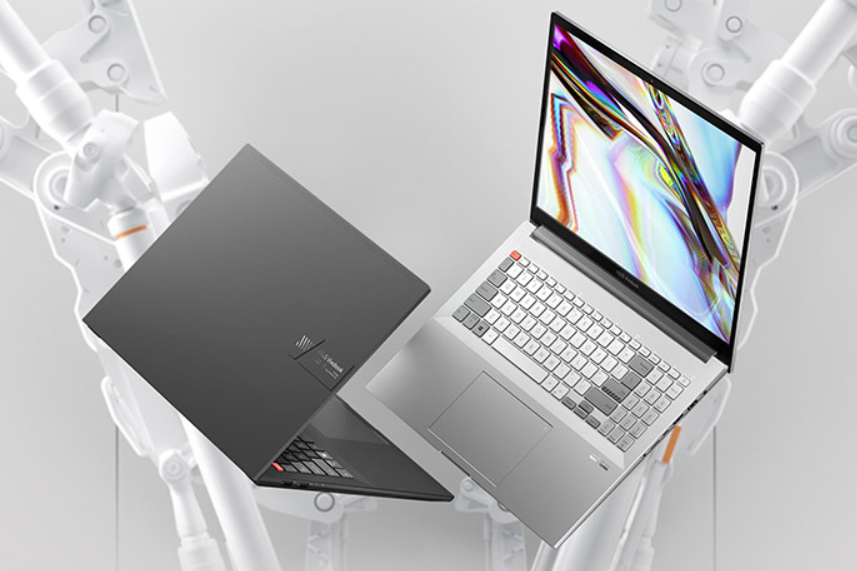
laptop-with-dedicated-graphics
If you use graphic dense applications (such as video editing, 3D rendering or CAD software), then a powerful GPU is essential. This is something to find:
• Calculating power: GPUs with high computing power are more suitable for content creation tasks. Find GPUs with higher CUDA kernels (NVIDIA) or flow processors (AMD) to accelerate rendering and processing tasks.
• Memory: Content creation tasks usually need to use large files and complex textures. Select GPUs with rich VRAM, such as 8GB or 16GB to ensure smooth performance and reduce rendering bottlenecks to the greatest extent.
• Software compatibility: Check whether the software you use uses specific GPU technology, such as CUDA (NVIDIA) or OpenCl (AMD). Choosing GPUs that maintain consistent with software requirements can maximize performance and compatibility.
3. Use at will:
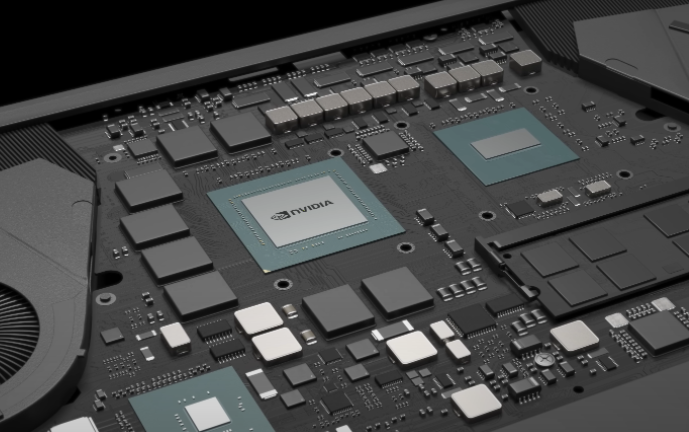
geforce-rtx-4090-laptop-gpu
For daily tasks such as web browsing, media flow and office productivity, integrated GPUs are usually enough. This is the content to be considered:
• Power efficiency: Integrated GPUs are designed to improve power, which helps extend the life of the battery and reduce energy consumption. Find laptops with an efficient GPU architecture to ensure a balance between performance and battery life.
• Display resolution: Make sure the integrated GPU can handle the display resolution of the laptop. If you have a high -resolution display, make sure the GPU supports it to obtain a clear and clear visual experience.
By determining your specific usage requirements, whether it is game, content creation or use at will, you can choose to meet your needs and provide your best performance laptop GPU.
GPU Performance and Specifications
upgrade-laptops-graphics-card
GPU performance layer:
The GPU divides it into different performance layers according to its function and price range. Understanding these layers can help you choose the GPU that matches your requirements and budgets. This is a common performance layer:
• Entry -level: Entry -level GPUs are suitable for basic tasks such as web browsing, media playback and light games. They provide decent performance for leisure users in budgets.
• Middle distance: The mid -range GPU provides a balance between prices and performance. They can handle most games on medium settings, and are suitable for creating tasks that do not require top performance.
• High -end: High -end GPU provides the best performance and is designed to require tasks such as high -resolution games, 3D rendering and professional content creation. These GPUs provide smooth gameplay in the maximum settings and perform well in resource -intensive applications.
Consider the performance level required by your budget and specific usage to determine the appropriate GPU performance layer.
VRAM: Video RAM (VRAM) is a dedicated memory on the GPU, which can store data used to present image and texture. The higher VRAM capacity can make the performance smoother, especially when using large files or games that play graphics requirements. When selecting the GPU, consider the VRAM capacity that remains the same as your use requirements. For the creation of games and content, it is recommended to use a GPU with at least 4GB or 6GB VRAM, and more harsh tasks may benefit from 8GB or higher GPU.
Clock speed and improvement: GPU clock speed refers to the speed of GPU processing data. Find GPUs with high basic foundations and improve the clock speed to improve performance. Basic clock speed represents the default operating frequency of the GPU, and the boost clock speed represents the maximum frequency that GPU can reach under the load. A higher clock speed can lead to faster data processing and better overall performance.
Heat design and power consumption: Effective cooling system is essential for maintaining the best GPU performance and preventing overheating. Find laptops with strong cooling solutions, such as multiple heating pipes and fans to ensure that your GPU is cooled in strong games or heavy workloads. Suffering airflow and appropriate heat dissipation are critical to long -term GPU life and consistent performance.
Consider the power consumption of GPU and its impact on battery life, especially if you plan to use laptops during your journey. GPUs with high performance usually consume more power, so that the battery can be quickly discharged. Balanced performance and power efficiency are important for a comprehensive laptop experience.
By considering the GPU performance layer, VRAM capacity, clock speed and thermal design, you can make a wise decision when selecting a laptop GPU that meets your specific needs and enhances the overall computing experience.
