
Top 10 Apps for Productivity on Your iPad Air 2
Upload time :December 3, 2023
Shares
Reads
For iPad Air 2 users looking to boost productivity, we've compiled a list of the top 10 productivity apps. Whether you need a note-taking app, task manager, calendar, or file management tool, there's an app on this list for you. Our list includes brief descriptions of each app and highlights its key features and benefits, such as ease of use, integration with other apps, cloud storage options, collaboration tools, and customization options. We also incorporate user reviews and ratings from the App Store and other sources to provide additional insights into the quality and usefulness of each app. Don't miss out on these must-have productivity apps that can help you streamline your work and get more done in less time.
Top 10 Productivity Apps
1. Evernote: This app is perfect for note-taking and organizing your thoughts. You can create text, audio, and image notes, as well as set reminders and create to-do lists. With its powerful search function, you'll never lose track of your notes again.
2. Trello: If you need to manage projects and collaborate with others, Trello is an excellent choice. This app lets you create boards for different projects, add cards for tasks, and assign them to team members. You can also set due dates and attach files to each card.
3. Google Drive: For file management and collaboration, Google Drive is a must-have app. You can store your files in the cloud, access them from any device, and share them with others. With its built-in tools like Docs, Sheets, and Slides, you can also create and edit documents on the go.
4. Todoist: If you're looking for a simple but effective task manager, Todoist is worth trying. You can create tasks, set due dates and priority levels, and organize them into different projects. The app also has a Karma system that rewards you for completing tasks and staying productive.
5. Fantastical 2: This app is a powerful calendar tool that integrates with your other apps and services. You can view your events in a month, week, or day view, and even use natural language input to create new events. The app also has a Today widget that shows your upcoming events and tasks.
6. Scanner Pro: Need to scan documents on the go? Scanner Pro is the app for you. It uses your iPad's camera to capture high-quality scans of documents, receipts, and notes. You can then save them as PDFs or JPEGs and share them via email or cloud services.
7. Dropbox: Another popular file management app, Dropbox lets you store your files in the cloud and access them from any device. You can also share files with others and collaborate on them in real-time. The app also has a camera upload feature that automatically backs up your photos to the cloud.
8. Wunderlist: A simple but powerful to-do list app, Wunderlist lets you create and manage tasks across multiple devices. You can also set reminders, due dates, and notes for each task. The app also has a collaborative feature that lets you share lists with others and assign tasks to them.
9. Pocket: Are you always coming across interesting articles and videos online but don't have time to read/watch them at the moment? Pocket is the app for you. You can save articles, videos, and other content to read later, even offline. The app also has a discovery feature that suggests content based on your interests.
10. IFTTT: Finally, if you want to automate your workflow and save time, check out IFTTT (If This Then That). This app lets you create "recipes" that connect your apps and services together. For example, you could create a recipe that automatically saves all your Instagram photos to Dropbox.
Features and Benefits
Productivity Apps
1. Microsoft Office: The Microsoft Office suite includes Word, Excel, PowerPoint, and OneNote. These apps have been designed specifically for the iPad Air 2 and are optimized for touch input. You can easily create, edit, and share documents, spreadsheets, presentations, and notes with these apps. Their cloud storage options allow you to access your files from anywhere and collaborate with others in real-time.
2. Evernote: This app is perfect for note-taking and organization. It allows you to store text, images, audio, and video notes in one place. The app syncs across all your devices and is even compatible with Apple Watch. Its search functionality makes it easy to find what you need quickly, and its integration with other apps like Google Drive and Microsoft Office enhances its versatility.
Gaming Apps
1. Minecraft: This game has become a sensation among gamers of all ages. It allows you to build and explore virtual worlds and be creative with your imagination. The iPad Air 2's A8X chip and stunning Retina display ensure that the game runs smoothly and looks incredible.
2. Monument Valley: If you're looking for a puzzle game that is both challenging and visually stunning, then Monument Valley is the perfect choice. Its unique levels and mind-bending puzzles will keep you entertained for hours. The game's simple controls make it easy to play, and its beautiful graphics make it a pleasure to look at.
Entertainment Apps
1. Netflix: With the Netflix app, you can watch your favorite TV shows and movies anytime and anywhere. The app's user-friendly interface makes it easy to navigate through its extensive library of content. Its personalized recommendations suggest new titles based on your viewing history, making it easier to discover new content.
2. Spotify: This music streaming app gives you access to millions of songs, podcasts, and playlists. You can listen offline, create your own playlists, and share music with friends. The app's integration with social media platforms like Facebook and Twitter allows you to see what your friends are listening to and share your own music tastes.
User Reviews
When browsing through the App Store or other app sources, users can read reviews and ratings from other people who have already tried the app. These reviews provide valuable insights into the quality and usefulness of each app. They can help users determine whether an app is worth their time and money or not.
Positive reviews can encourage users to download an app because they provide a sense of trust and confidence in the product. They let potential users know that other people have found the app helpful, easy to use, and reliable. They also highlight specific features of the app that users found most useful or enjoyable. For example, if an app receives positive reviews for its user-friendly interface, this may attract users who prioritize ease of use.
On the other hand, negative reviews can be just as helpful. They offer constructive criticism and feedback about how the app could be improved. Negative reviews can also warn users about potential problems with the app, such as bugs or glitches that make it unusable. This information can save users time and money by preventing them from downloading an app that won't work for them.
Overall, incorporating user reviews and ratings into the decision-making process when choosing an app is essential. It allows users to make informed decisions and avoid wasting their time and money on apps that don't meet their needs or expectations. By reading user reviews, iPad Air 2 consumers can ensure that they are downloading high-quality apps that will enhance their experience with their device.
In conclusion, user reviews play a crucial role in determining which apps are worth downloading and using. Positive reviews can build trust and confidence in an app, while negative reviews can offer constructive feedback and warnings about potential problems. iPad Air 2 consumers should take advantage of user reviews and ratings to make informed decisions about which apps to download and use.
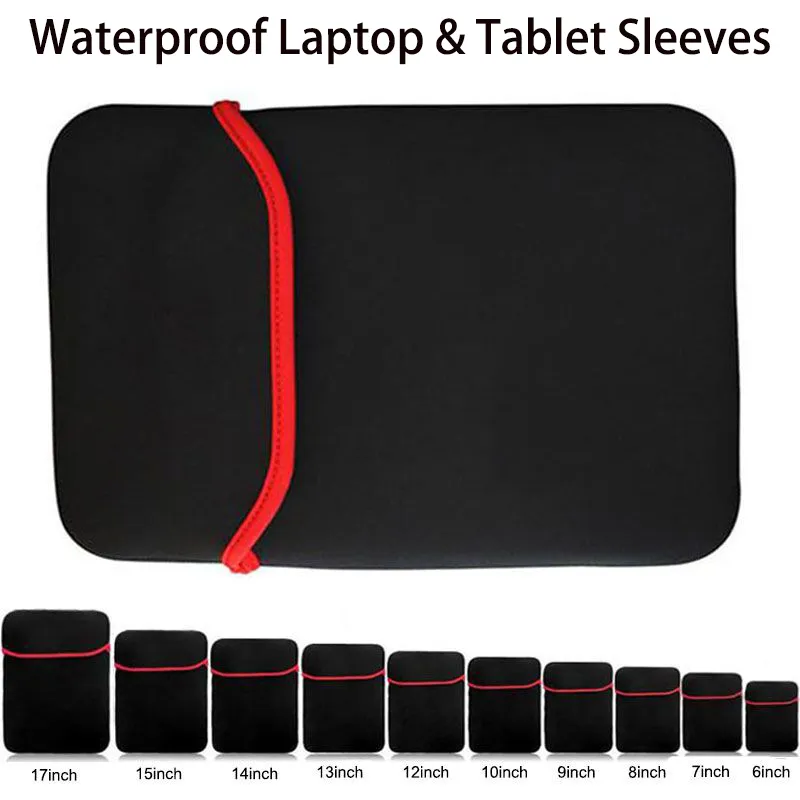
Buy Now
See More: Wholesale Products
FAQ
Q1. What are the top productivity apps for iPad Air 2?
The top 10 productivity apps for iPad Air 2 include Evernote, Google Drive, Trello, Pocket, Microsoft Office, Slack, Adobe Creative Cloud, Dropbox, Notability, and Penultimate. All of these apps offer unique features that can help users increase their productivity in various ways.
Q2. How can Evernote help me be more productive on my iPad Air 2?
Evernote is a note-taking app that allows users to create and organize notes, to-do lists, and documents all in one place. With its easy-to-use interface and powerful search function, users can quickly find what they need when they need it. Evernote also offers integration with other productivity apps like Trello and Google Drive, making it an essential tool for anyone looking to streamline their workflow.
Q3. Can I use Microsoft Office on my iPad Air 2?
Yes, Microsoft Office is available for iPad Air 2 and it includes Word, Excel, PowerPoint, and OneNote. The apps are free to download and use, but some advanced features require a paid subscription to Microsoft's Office 365 service. With Microsoft Office on your iPad Air 2, you can create, edit, and share documents seamlessly across multiple devices.
Q4. How does Dropbox improve productivity on my iPad Air 2?
Dropbox is a cloud-based storage service that allows users to store and access files from anywhere. With its file-sharing capabilities and automatic syncing, Dropbox makes it easy for users to collaborate on projects or quickly access important documents on the go. Plus, with its integration with other productivity apps like Microsoft Office and Adobe Creative Cloud, Dropbox is a must-have for anyone looking to boost their productivity on their iPad Air 2.
Recommended related content
Top 10 New Style Hair Products You Need in Your Routine
10 Must-Have Tablet Accessories for Productivity and Fun
Top 5 HP Laptops for Productivity and Performance
