
The Advantages and Disadvantages of Buying a PC vs Laptop
Upload time :November 23, 2023
Shares
Reads
When deciding between a desktop PC and a laptop, one must carefully consider the advantages and disadvantages of each, taking into account personal tastes and needs.Desktop computers are frequently used for intensive jobs like graphic design and gaming because of their strong and adaptable technology. Generally speaking, they are more cost-effective, have simpler upgrade routes, and have larger, higher-resolution screens.
Desktops do have several drawbacks, though. They are not as portable, take up more room, and need extra attachments like keyboards and displays. Their energy consumption is lower than that of laptops, and they lack the convenient battery backup, which limits their usefulness in some situations.On the other hand, laptops are highly prized for their portability.
While laptops are known for their mobility, PCs stand out for numerous reasons, making them a preferred choice for many computing needs.
Advantages of Buying a PC

1. More Powerful and Customizable Hardware:
PCs are renowned for their robust hardware capabilities. They typically house high-end processors, advanced graphics cards, and ample storage, resulting in a seamless and lag-free computing experience. The larger power supply of desktop computers facilitates these features. Besides, PCs offer extensive customization options, allowing users to tailor components to their specific needs and preferences. This adaptability ensures peak performance and compatibility with evolving software and hardware advancements.
2. Cost-Effectiveness:
When considering the overall value of PCs, their price-to-performance ratio emerges as a standout advantage. PCs typically deliver superior performance at a more favorable cost when compared to laptops.
This efficiency in pricing relative to their capabilities makes PCs a desirable option for those seeking to get the most out of their investment, especially for budget-conscious consumers who require powerful computing without an exorbitant expense.Furthermore, PCs often boast more extensive warranties than laptops.
This factor is significant as it eases the process of repair or replacement, offering users greater peace of mind. The length and scope of these warranties not only reflect the quality of the product but also demonstrate the manufacturer's confidence in the durability and longevity of their PCs.
3. Superior for Gaming and Graphic Design:
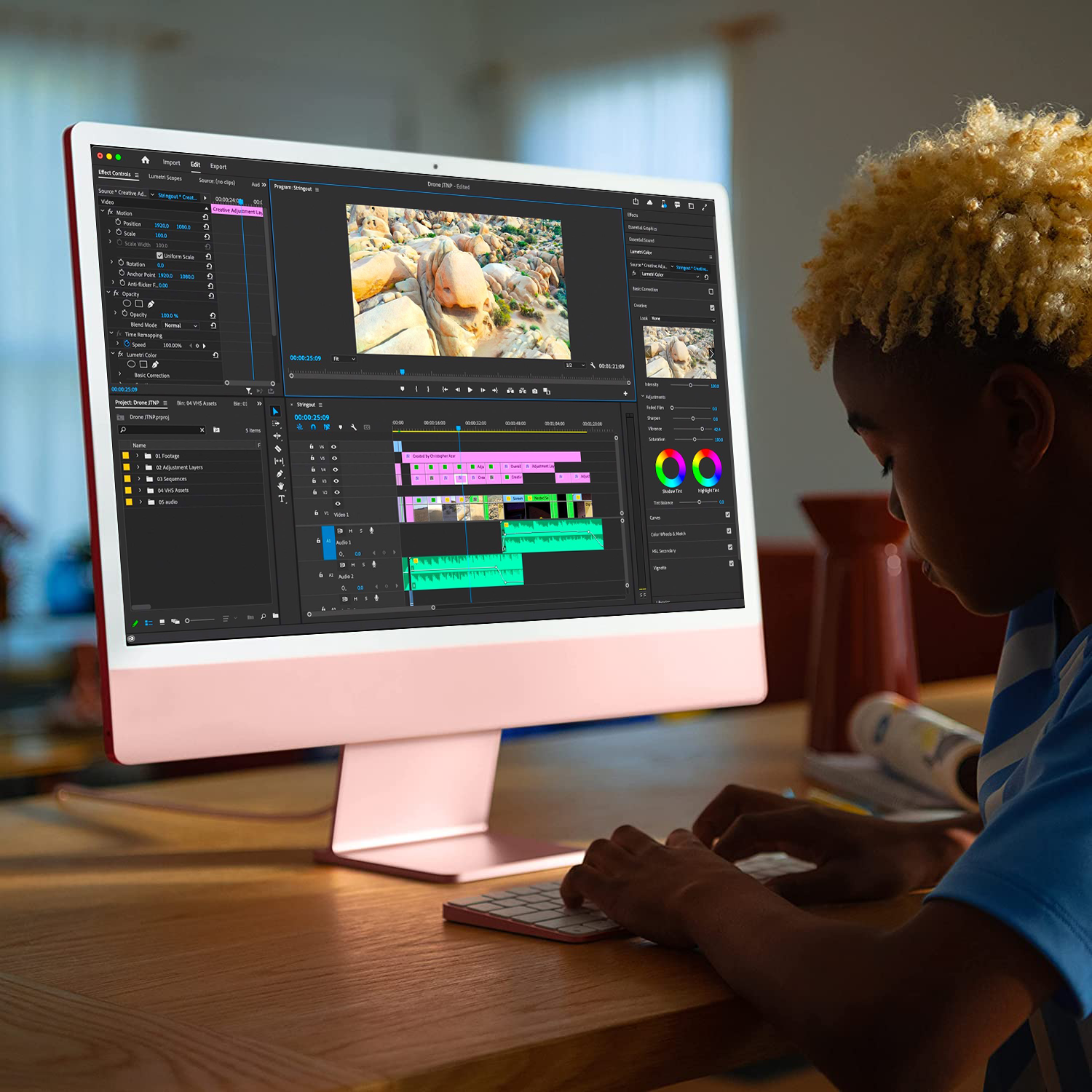
For gamers and graphic designers, PCs are the optimal choice. They support high-performance gaming with advanced graphics cards, increased RAM, and faster processors, enhancing the overall gaming experience. Graphic designers benefit from the robust power of PCs when working with large files and complex designs, essential for tasks like video rendering, 3D modeling, and animations.
4. Easier Component Upgrades:
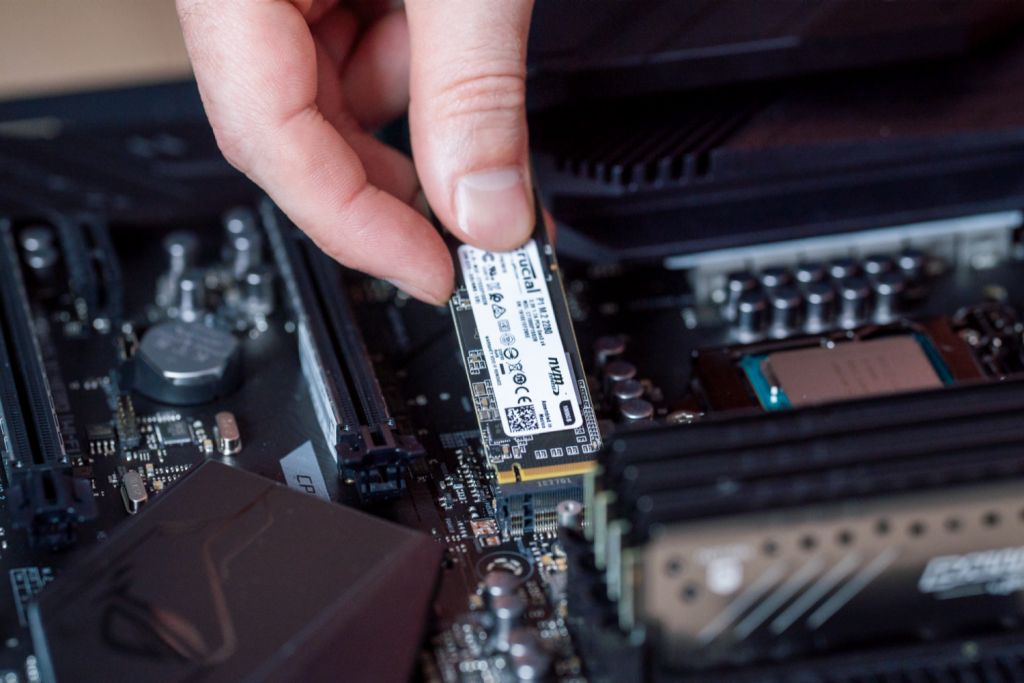
PCs offer a significant advantage in terms of upgradability. Unlike laptops, upgrading a PC's components like memory, storage, or graphics card is relatively straightforward, allowing for customization to meet evolving technological trends. This adaptability extends the lifespan of a PC, ensuring it remains up-to-date with the latest advancements.
5. Larger Screen Size and Higher Resolution:
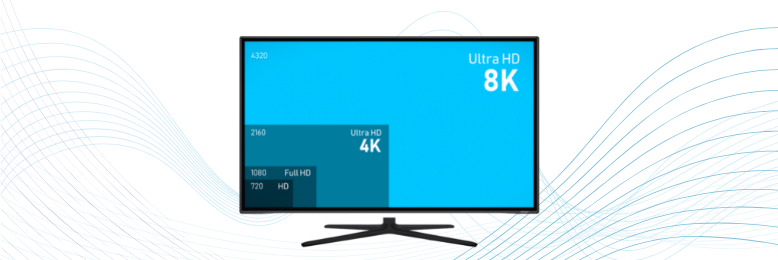
In the realm of display capabilities, PCs distinctly outshine their laptop counterparts. This advantage primarily stems from the diverse selection of monitor sizes and resolutions available for PCs. Users have the luxury to choose from an extensive array of monitor dimensions, catering to specific needs and preferences. This feature is particularly advantageous for creative professionals, such as graphic designers or video editors, who often require larger screens for detailed work.
These larger monitors facilitate intricate tasks by providing ample workspace and enhanced visual detail.Moreover, high-resolution displays available for PCs significantly boost visibility, making text sharper and easier to read while offering superior clarity for images and videos.
This improvement in display quality is not just a matter of aesthetics but also contributes to better user experience and reduced eye strain during prolonged use.
To encapsulate, opting for a PC translates into a harmonious combination of raw computing power, extensive customization options, cost-effectiveness, and the ease of upgrading components. Coupled with the superior display options, PCs present themselves as an attractive choice for a wide range of computing needs, from professional tasks requiring high performance to everyday use demanding quality and reliability.
Disadvantages of Buying a PC
While PCs offer several benefits, there are notable disadvantages to consider, particularly for those with specific lifestyle or space constraints.
1. Lack of Portability:
One of the primary drawbacks of a PC is its lack of portability. Unlike laptops, which are designed for mobility, PCs are typically stationary. Moving a PC setup requires considerable effort, making it impractical for those who frequently work on the go or travel. This limitation can be a significant disadvantage for professionals and students who need to be mobile.
2. Space Requirements:
One of the more prominent challenges of opting for a PC is the requirement for more physical space. The necessity of separate components such as a monitor, keyboard, and mouse means that a PC takes up a significant amount of desk or work area. This can be particularly problematic for individuals in compact living spaces, like small apartments or dormitories, where conserving space is essential. The larger footprint of a PC may not align well with minimalistic or space-constrained environments.
3. Higher Electricity Consumption:
PCs are typically more power-hungry than laptops. They house multiple components that draw significant power, including the CPU, graphics card, and power supply unit. This higher energy consumption can translate into increased electricity bills, which is a noteworthy consideration for those who are budget-conscious or are seeking to minimize their ecological footprint.
4. No Battery Backup:
A notable drawback of PCs is their lack of a built-in battery backup. In situations like power outages, PCs will shut down immediately, which can lead to the loss of unsaved work and, in some cases, hardware damage. This is especially a concern in areas with frequent power interruptions or unstable electrical supplies, where the continuity offered by a battery backup is crucial.
Advantages of Buying a Laptop
Laptops have become an essential tool, offering distinct advantages over traditional desktop computers. Here are some key reasons why a laptop might be the right choice for your computing needs:
1. Portability:
The hallmark advantage of a laptop is its portability. In stark contrast to stationary desktops, laptops offer the freedom to be carried and used virtually anywhere. This mobility is especially advantageous for students who need to work in various locations and for professionals who frequently travel. The flexibility to work from diverse locations such as coffee shops, libraries, or even in transit is a significant benefit that enhances both convenience and productivity.

2. Built-in Battery Backup:
Another key feature of laptops is their built-in battery backup. Unlike desktops that require a constant power connection, laptops can run on battery power for extended periods. This feature is crucial in scenarios like power outages or when working in locations without readily available power outlets. For individuals who often find themselves in situations with unreliable power sources, the laptop's battery backup ensures that work and productivity aren't halted, offering a level of reliability and assurance that desktops can't match.
3. Space-Saving Design:
Laptops are designed to be compact, occupying minimal space. This is a significant benefit for people with limited desk or storage space. The integrated nature of laptops — with built-in webcams, speakers, and often touchscreens — eliminates the need for additional peripherals, further conserving space. This sleek and efficient design makes laptops an attractive option for small workspaces or clutter-free environments.
4. Ideal for On-the-Go Use:
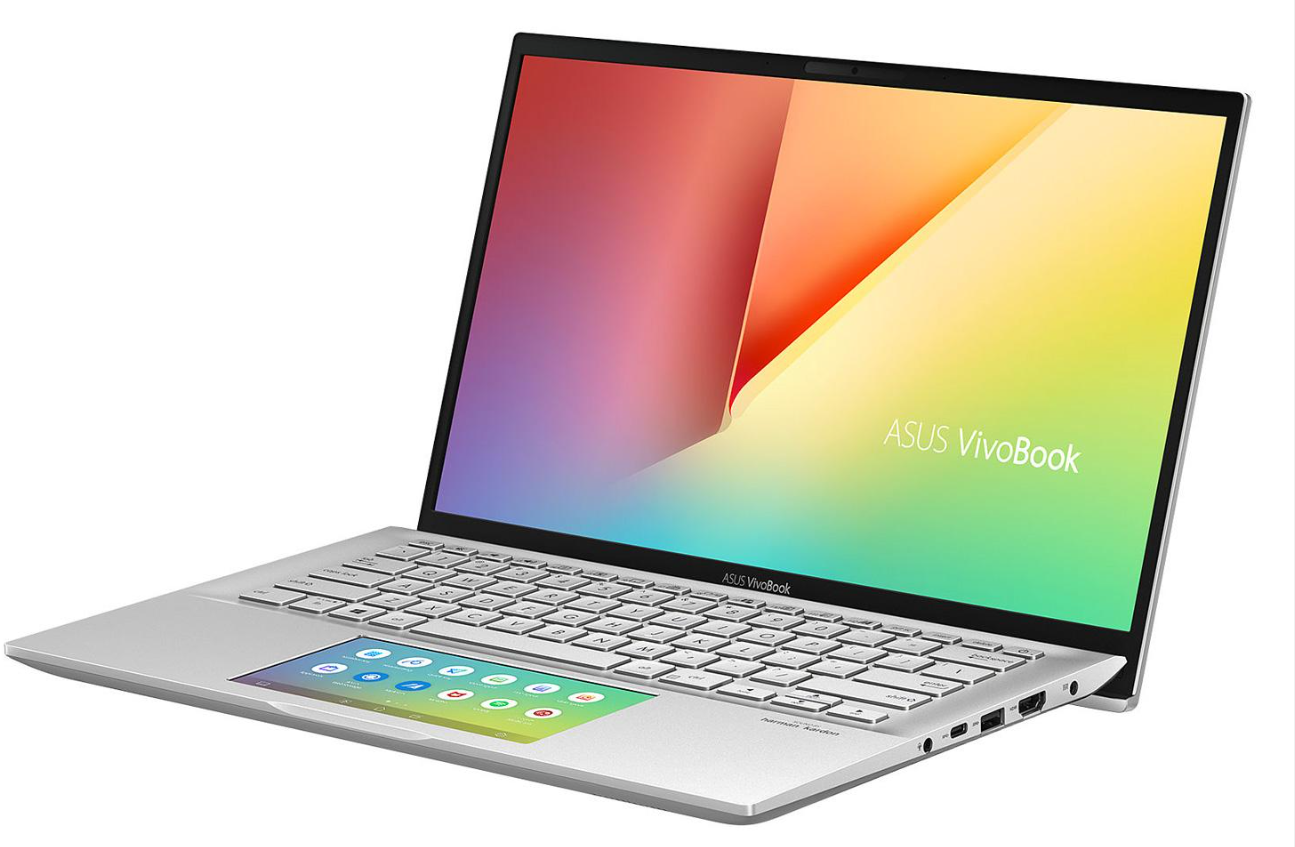
For people who are always on the move, such as students who hop between classes or professionals who frequently travel for work, laptops are a perfect fit. Their portability enables a smooth transition across various work environments, be it in academic settings, business meetings, or remote working scenarios. The addition of modern features like touchscreens and stylus pens further enhances the laptop's functionality, making tasks like note-taking and project execution more efficient and interactive.
5. Lower Power Consumption:
One of the more understated yet important advantages of laptops is their energy efficiency. Generally, they consume less power compared to desktop computers, contributing positively to environmental sustainability and reducing electricity costs in the long run. Many laptops are equipped with energy-saving features, such as modes that minimize power usage and automatic shutdown functions when not in use, further bolstering their efficiency credentials.
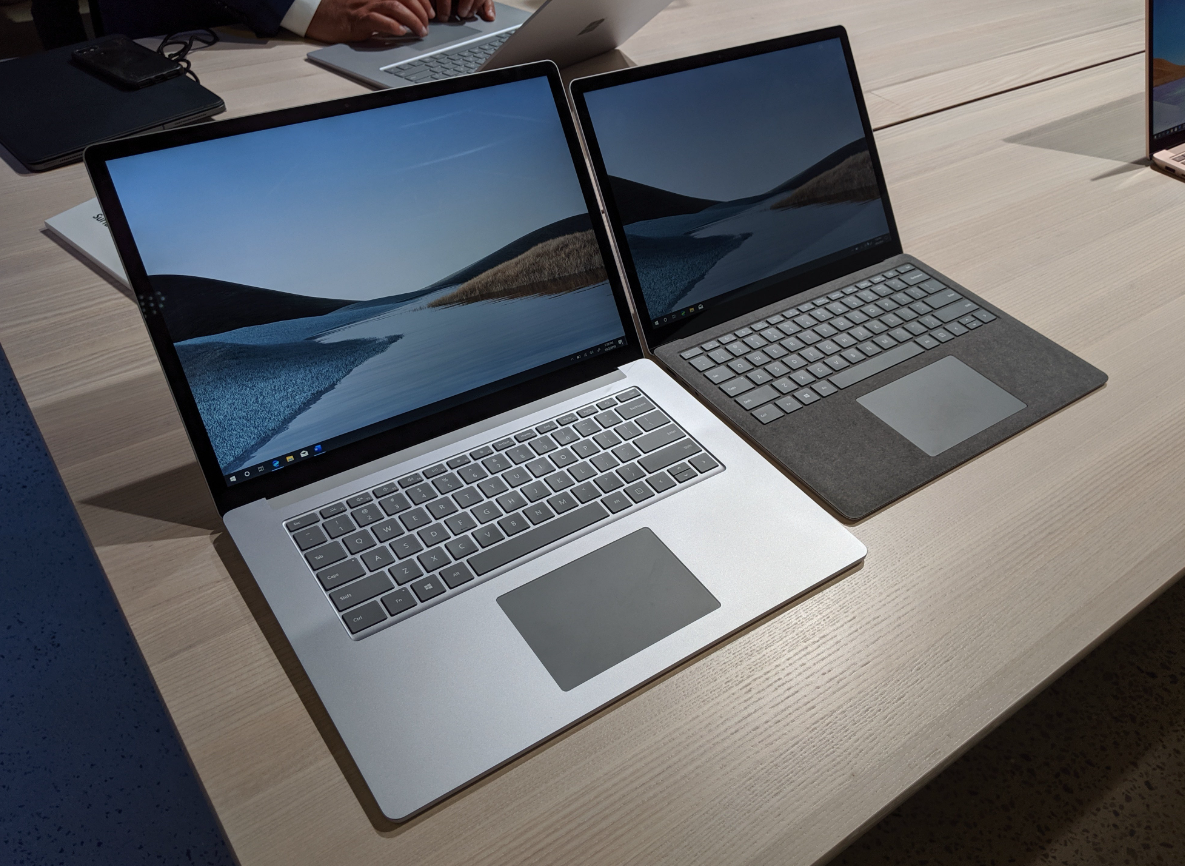
Disadvantages of Buying a Laptop
While laptops offer the advantage of portability, several notable disadvantages are worth considering before making a purchase. Understanding these drawbacks is key to making an informed decision.
1. Limited Upgradability:
A notable drawback of laptops is their restricted ability to be upgraded. While desktop PCs can be easily enhanced with new hardware components, laptops usually lack this level of flexibility. Unlike desktop PCs where specific parts can be easily replaced or upgraded, laptops typically don't offer this level of flexibility. This constraint can result in the need to purchase a new laptop to keep up with technological advancements rather than simply upgrading certain components. For users who require the latest in tech, whether for professional or personal use, this can lead to more frequent and potentially costly replacements. This factor is especially important for those who prioritize staying at the forefront of technology, as it may entail a higher long-term investment.
2. Higher Cost for Similar Specifications:
In terms of cost, laptops often carry a higher price tag than desktop PCs when comparing similar specifications. The reason behind this is the intricate engineering required to fit powerful components into a laptop's compact, lightweight, and portable design. This complexity in design and manufacturing typically drives up the cost. As a result, especially with high-performance models, laptops represent a more substantial financial investment compared to their desktop counterparts.
3. Smaller Display Size and Resolution:
While many modern laptops boast high-resolution screens, they are still constrained by smaller display sizes compared to desktop monitors. This limitation can be challenging for tasks that require multitasking or for users who prefer a larger screen for multimedia consumption and gaming.
4. Increased Risk of Damage:
The very portability that makes laptops appealing also exposes them to a higher risk of physical damage. Frequent transportation increases the likelihood of drops, spills, and general wear and tear. Repairs for laptops can be costly, particularly if they involve key components like the screen or motherboard.
5. Limited Cooling Systems and Overheating Risks:
Laptops often have less effective cooling systems than desktops, leading to potential overheating issues. This can affect performance, reduce the lifespan of hardware components, and in extreme cases, pose safety risks such as battery malfunctions.
FAQ
Q1. What are the advantages of buying a PC?
PCs stand out for their robust power and expansive storage capacity, often surpassing what laptops offer. They are notably more cost-effective, delivering similar or superior computing power at a more affordable price. Another significant advantage of PCs is their ease of upgrade and repair. This adaptability extends their lifespan and enhances their sustainability, making them a wise choice for those who need a durable, customizable computing tool.
Q2. What are the disadvantages of buying a PC?
The main limitation of PCs is their immobility. They necessitate a fixed workspace and are not conducive to on-the-go usage. Furthermore, PCs generally have a bulkier and heavier physical presence compared to laptops, which can be a concern for those with limited space or for users who require mobility. This aspect makes PCs a less suitable option for people who need to frequently move their computing setup or work in different locations.
Q3. What are the advantages of buying a laptop?
The most prominent advantage of laptops is their portability. Their lightweight and compact design make them perfect for frequent travelers or individuals who need to work from various locations. Laptops also have the added benefit of built-in batteries, enabling work without a constant power supply, enhancing their convenience and usability in diverse settings.
Q4. What are the disadvantages of buying a laptop?
A notable disadvantage of laptops is their higher cost relative to PCs when considering equivalent computing power. They also have limited upgradeability, which can restrict performance enhancements over time. Furthermore, due to their compact size, laptops often have constrained cooling systems, leading to potential overheating issues, a factor that can impact performance and longevity.
